There’s something special about images with motion, and with the Squigglish app, you can draw wiggling doodles to your heart’s content.
Developed by comic book artist and math doctorate holder Olivia Walch, along with math Ph.D. student Matt Jacobs, the new iOS app turns any line you draw into a dancing one.
While I’ve mostly used the app for writing silly messages and drawing hearts on things—as well as some super simple line drawings—it can also be used to draw lovely, sophisticated portraits that happen to move.
#Squigglish! https://t.co/D66CkZHB7w pic.twitter.com/7dyCisDuAk
— Olivia (@oliviawalch) February 18, 2017
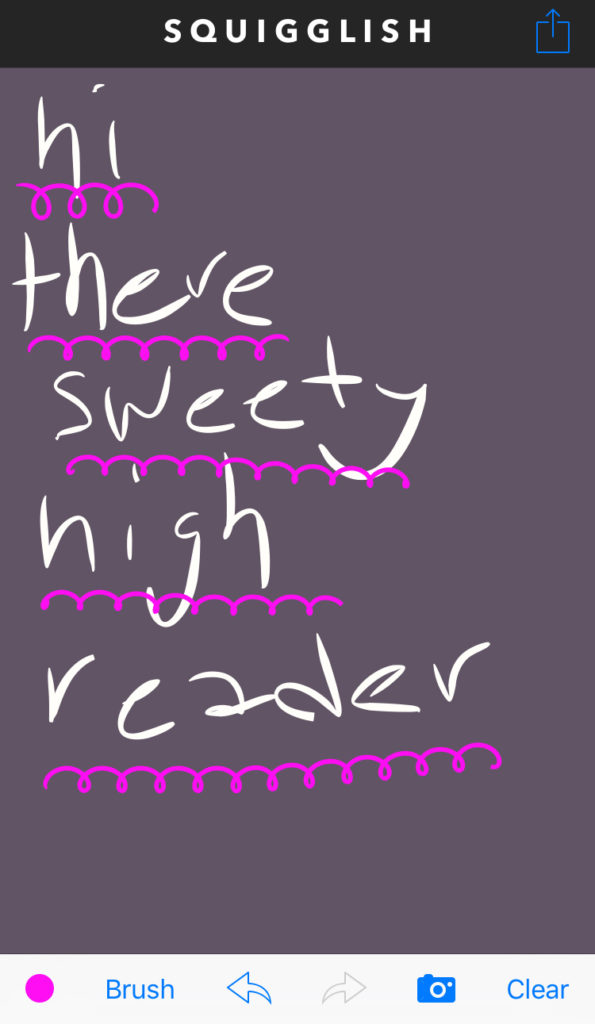
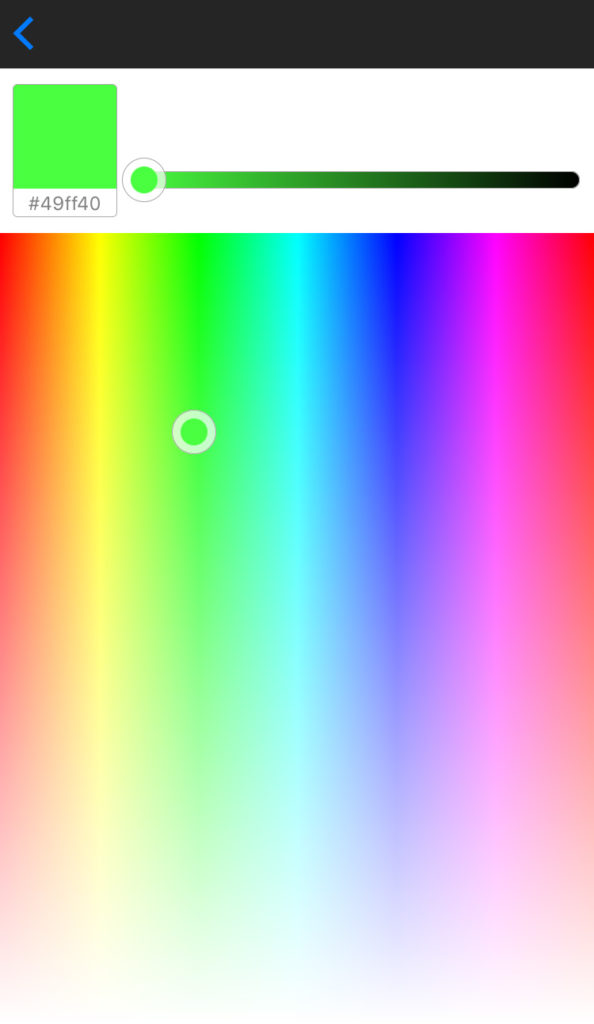
The first icon on the bottom row is the color picker. Just move it from left and right to pick the hue, move it up and down to chance the saturation, and play with the bar at the top to pick lightness or darkness. It even shows you the hexadecimal value of the color you’ve selected, in case you want to try to get to exactly that color again.
(via Squigglish)
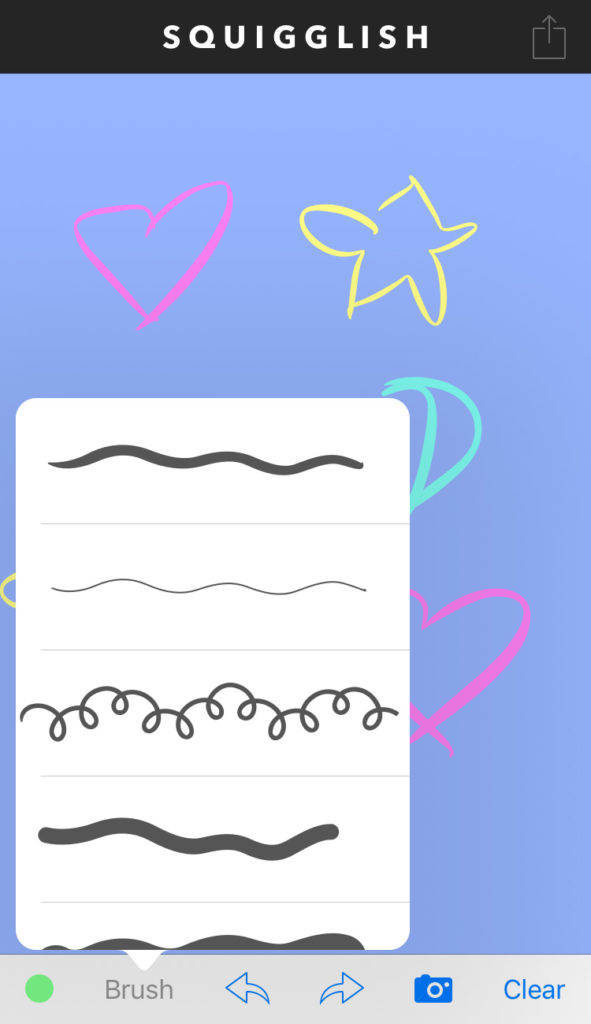
To the right of that, you can pick the lines you’ll be using. Not only do they have variable thicknesses, but the squiggliness of each line varies, too. Play around with each one and use different speeds and motions to change up the lines you create.
(via Squigglish)
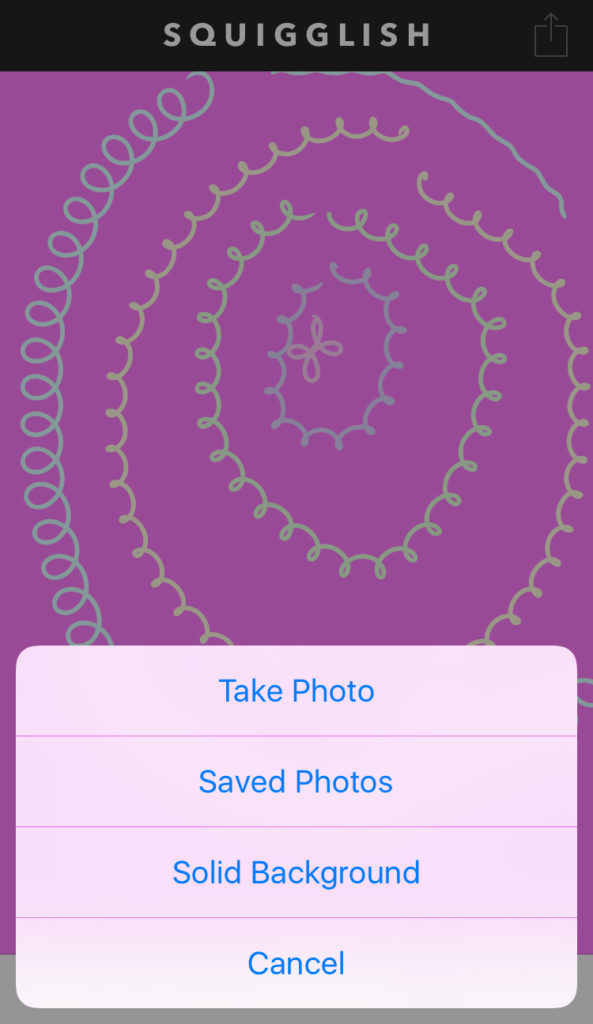
The arrows in the middle undo or redo your actions, which is pretty self-explanatory, and the camera icon to the right of that opens options for your background. You can either take a photo in real time, load in an existing image from your camera roll or use a solid color for your background, depending on the effect you’d like.
(via Squigglish)
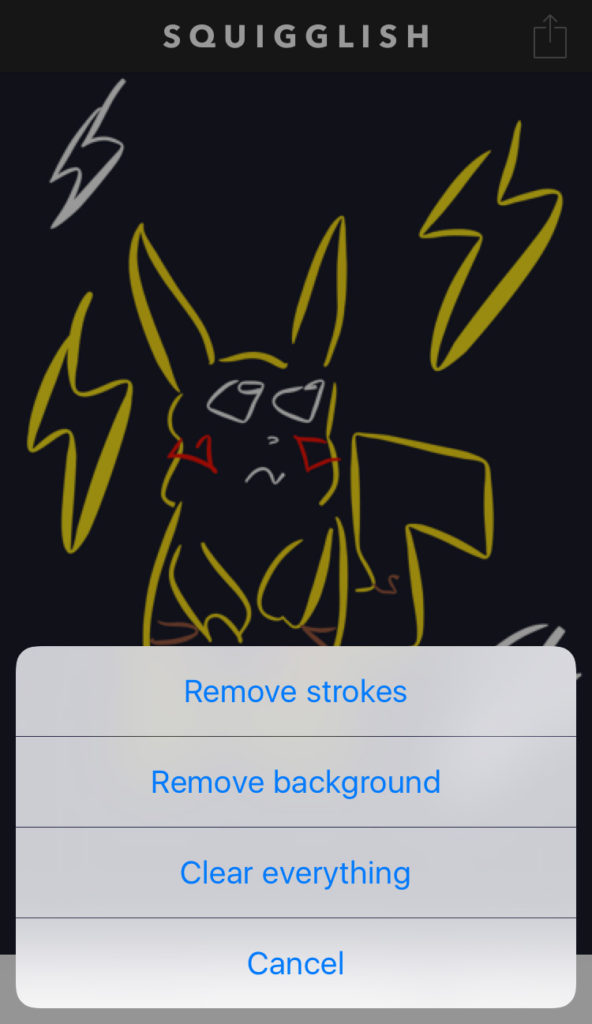
The last option on the bottom menu is all about clearing your canvas. You can remove your background photo (which is great for if you want to trace something but not have the image you traced in the final image), remove the lines you’ve drawn or clear the whole thing.
(via Squigglish)
Lastly, the share icon at the top of the app allows you to export your creation into movie or gif form to share with the world! Don’t worry if the gifs don’t seem to animate when you save them to your phone—if you text them to someone or share them on social, you’ll be able to see them in all their wiggly glory.
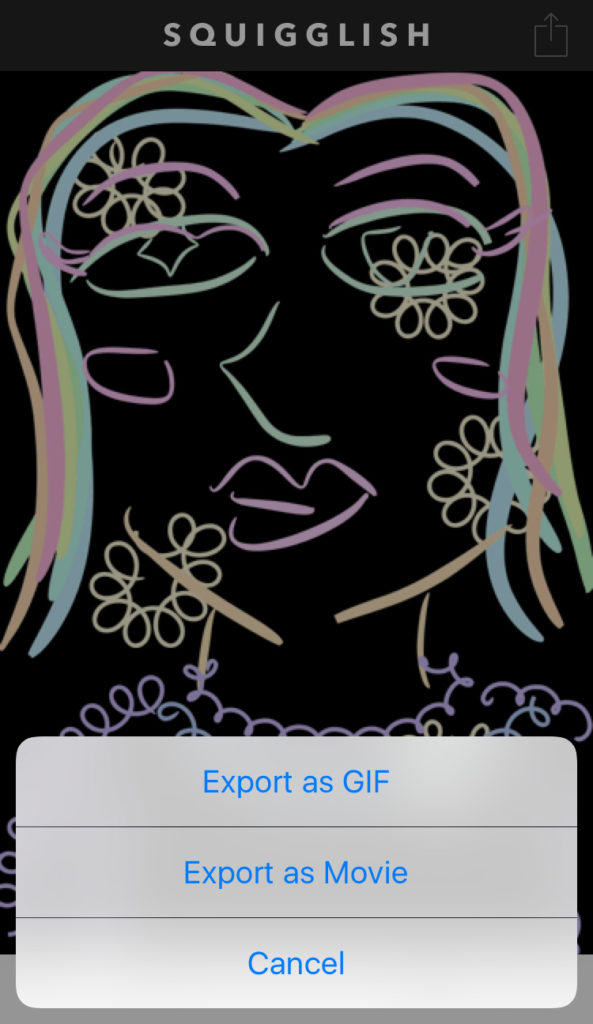
(via Squigglish)
Simple, right? Here’s my favorite personal Squigglish creation.
I drew on this cute snail with @oliviawalch‘s #squigglish app pic.twitter.com/WJ2H0f468L
— Amanda Pillon (@amandapillon_sh) February 24, 2017
The one thing I’d change about the app is that it lacks an eye dropper tool, meaning if you want to use a color you used earlier and picked another color in between, you just have to try your best to get as close to that original color as possible. Other than that, it’s a cute, free app that any artist should have in their arsenal.
You can download Squigglish for free HERE.
Love Squigglish? Click HERE to read our interview with co-creator Olivia Walch.